
Are customers finding the wrong details for your business?
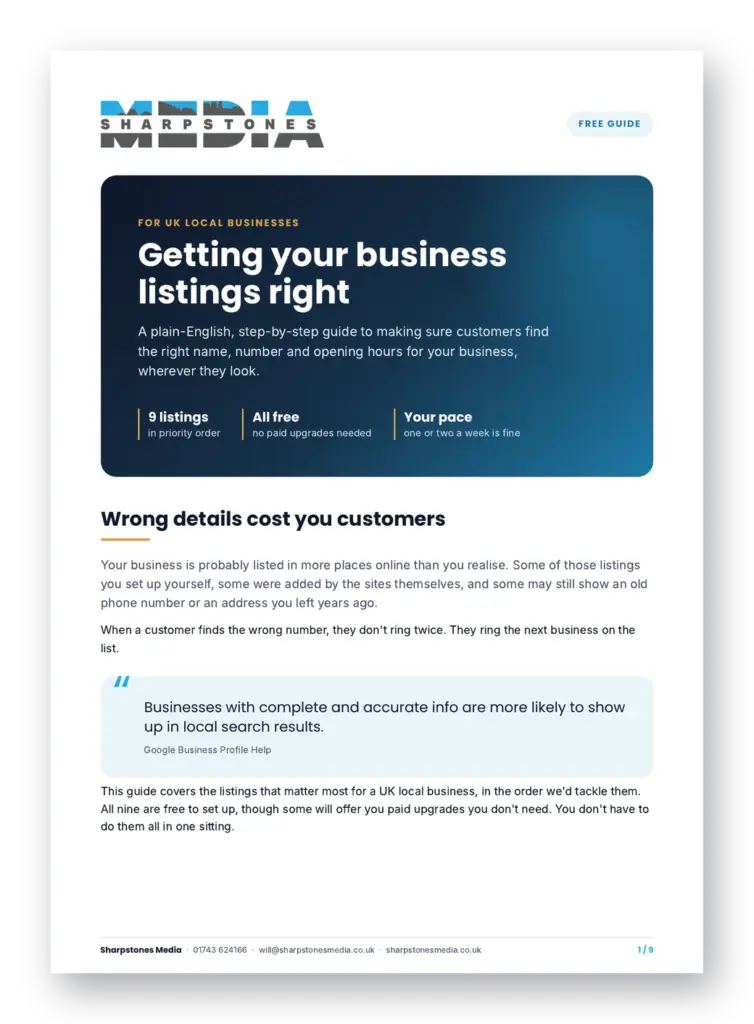
Your business is probably listed on more websites than you realise, and some of them may still show an old number or the wrong opening hours. Our free guide shows you how to check and fix your details on Google, Apple Maps, Bing, Yell and five more sites, one step at a time. No technical know-how needed, and every listing in it is free.
- Nine listings, in the order to tackle them
- Plain-English steps and the buttons to click
- Which paid upgrades you can safely ignore
Get your free copy
Fill in your details and you’ll go straight to the download.
We’ll only use your email to send you the guide, unless you tick the box for tips. You can ask us to remove your details at any time.
What's in the guide
Nine pages, written for busy business owners. Work through it at your own pace. One or two listings a week is fine.
- How to write your details down once, so every listing matches
- Google Business Profile, Bing Places and Apple Maps
- Facebook, Yell, FreeIndex and Nextdoor
- Hotfrog and Cylex, and the paid upgrades to skip
- What to do if you work from home
- How to find and fix old or duplicate listings
- The two sites to be careful with
- A checklist to tick off as you go

Who put this together
I’m Will Beavis. I run Sharpstones Media from Shrewsbury and have spent more than 20 years in senior digital marketing roles, including at IONOS, Fasthosts and the Express & Star.
These days I help local businesses get more customers from Google, through Google Ads and Google Business Profile management. Every step in this guide was checked against each site’s own help pages in October 2026, and I tested the trickier ones myself.