
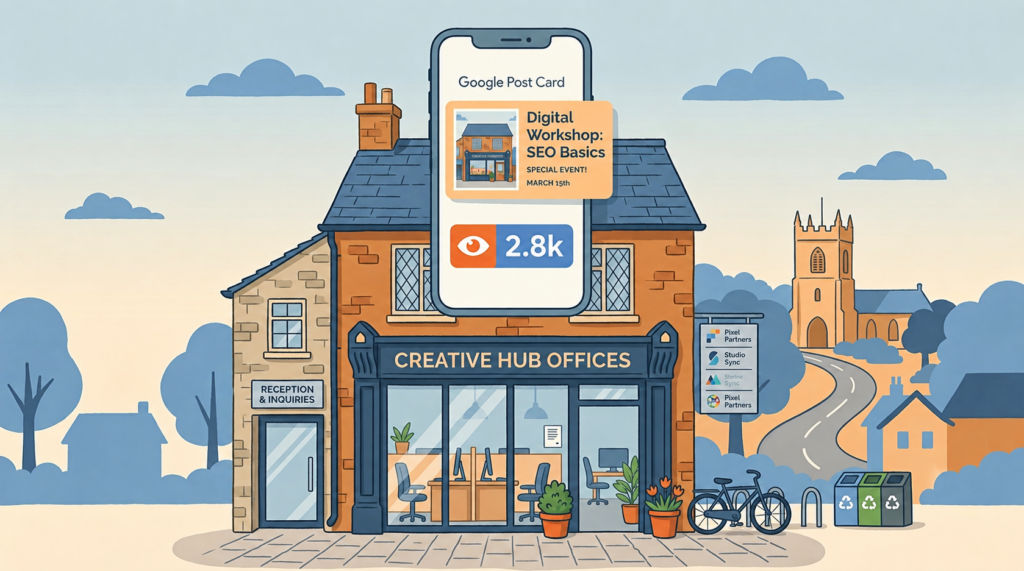
I’ll admit I don’t always read Google’s Small Business Bulletin cover to cover. Most months it’s a fairly dry recap of policy tweaks. This month one line stopped me mid scroll, and I actually thought to myself, “oh, finally”. Google has started showing you exactly how many people viewed each individual post on your Google Business Profile.
What’s actually changed
If you’ve ever added an update, a special offer or an event to your Google Business Profile (the free listing that shows up when someone searches your business name or “plumber near me”), you’ll know the feeling. You write it, you publish it, and then nothing. There’s no way to tell if anyone even saw it, let alone did anything about it.
That’s changed. Google announced it in its September 2026 Small Business Bulletin, posted by Google’s own Lisa Landsman in the Business Profile Help Community, calling it “one of our most requested features yet.” Each post now shows “how many times local customers viewed a post,” sitting right there on the post itself inside your dashboard. (Source: Google Business Profile Community)
A few details worth knowing:
- It’s one combined figure covering both Google Search and Google Maps, so you see total reach rather than a breakdown by platform
- It covers every post type, so updates, offers and events all get counted
- You can look back 18 months, so if you’ve been posting for a while you’ve suddenly got a proper archive of what worked and what didn’t
- There’s nothing to switch on. Sign into your profile, click Posts, and the numbers are just sitting on each card
Why this matters if you’re not a “marketing person”
The bit that I like is the fact that it’s built for exactly the kind of business owner who doesn’t have time to become a marketing expert and just wants to know if what they’re doing is worth all the effort.
Up until now, posting on your Google Business Profile was a leap of faith. You’d write “20% off this weekend only” or “we’re open bank holiday Monday” and have no way of knowing if it did anything at all. Plenty of businesses gave up posting altogether because it felt pointless and who can blame them?
Now you can see, in black and white, whether your “meet the team” post reached three people or three hundred. That’s the difference between guessing and knowing, and it should help you change what you choose to post next.
The catch, because there’s always one
Worth flagging if you run more than one location, or use an agency (hello 😉) to manage your profile. Google confirms this data is “not yet available in the API.” (Source: Google Business Profile Community) So the numbers only live inside the Google dashboard for now. Nobody can pull them out automatically to build a proper multi-location report, at least not yet, but I’d expect that to change eventually, Google tends to open these things up once they’ve bedded in, but for now it’s a manual check.
You should do this
Get into the habit of checking your post views every couple of weeks, not obsessively, just enough to spot patterns. Ask yourself, do offers get more attention than general updates? Does anything spike around a particular day? Use that to decide what you post next rather than repeating the same thing because it’s easy.
If you’re one of my clients, or thinking about becoming one, this is exactly the kind of signal I build into the bigger picture, alongside your website traffic and your ad performance, so your Google profile stops being a box you tick and starts actually bringing people through the door.
Either way, it’s a genuinely useful update, and a rare case of Google giving small businesses something for free that helps.