
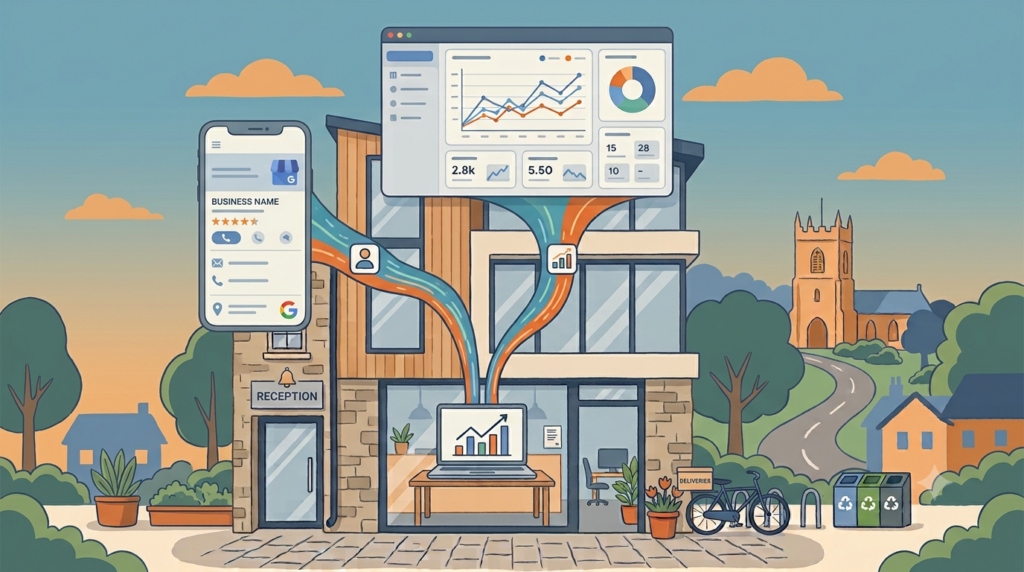
This one isn’t breaking news, it actually landed back in June, but I only properly clocked it while I was setting up a new GA4 property for a client last week, and it’s too useful not to write about. Google Analytics now pulls your Google Business Profile activity straight into your existing GA4 reports.
What changed?
Google’s own “What’s new in Google Analytics” page confirms it plainly: “You can now centrally report on your local business, website, and app metrics. Link your Google Analytics properties with Google Business Profiles (GBP) directly within the Admin panel.” (Source: Google Analytics Help)
Once you’ve linked the two in your Admin panel, a new collection appears in your Reports menu automatically. No tags to install, no templates to configure. It pulls through seven metrics:
- GBP interactions, the total number of engagements with your listing
- Calls, every time someone taps to ring you from your profile
- Bookings, appointments or reservations made through the profile
- Direction requests, people asking Google Maps to take them to you
- Website clicks, visits to your site from the profile
- Messages, conversations started through profile messaging
- Menu views, if you’re the kind of business with a menu to view

Closing the gap
Your Google Business Profile activity lived in its own little dashboard, completely separate from your website analytics and your ad performance. You could see people were calling you from your profile, but you couldn’t easily sit that next to your website traffic or your Google Ads numbers and get a full picture of what was actually driving business.
This closes that gap. If you’re already using GA4 to track your website, and most businesses running any kind of digital marketing are, you can now see your Google Business Profile activity sitting right there in the same reports, rather than jumping between two different systems and trying to make sense of them side by side.
Limitations
The data only covers a rolling six month window, so you can’t do proper year on year comparisons inside Analytics itself. It’s also not built for attribution in the way a conversion tracking setup is, so think of it as a proxy for local interest and intent rather than hard proof someone became a paying customer because of it. And it doesn’t cover everything, reviews, ratings, post view counts and photo views aren’t part of this, so you’ll still need to check your profile dashboard directly for those.
How to link it up
This is genuinely quick to do. In your GA4 property, head to Admin, find the Google Business Profile linking option, and connect the account that manages your listing. That’s it, there’s no tag to add to your website and nothing to configure in Google Tag Manager. While you’re in the Admin panel anyway, it’s worth a quick check of your consent setup too, we covered a common GA4 and Usercentrics quirk in our 2 minute CMP check that’s worth ruling out.
Compare it
If you’re managing your own marketing, take ten minutes this week to link the two up and have a proper look at what’s in there. Compare it against a month where you know you ran an offer or posted regularly on your profile, and see whether calls or direction requests moved. That’s a far better read on whether your Google Business Profile is pulling its weight than staring at the profile dashboard in isolation ever was.
If you’re one of my clients, this is exactly the kind of joined up view I build into your reporting, your website, your ads and now your local profile activity, all telling one story instead of three separate ones. It’s a genuinely useful update, even if it did slip past most people back in June.