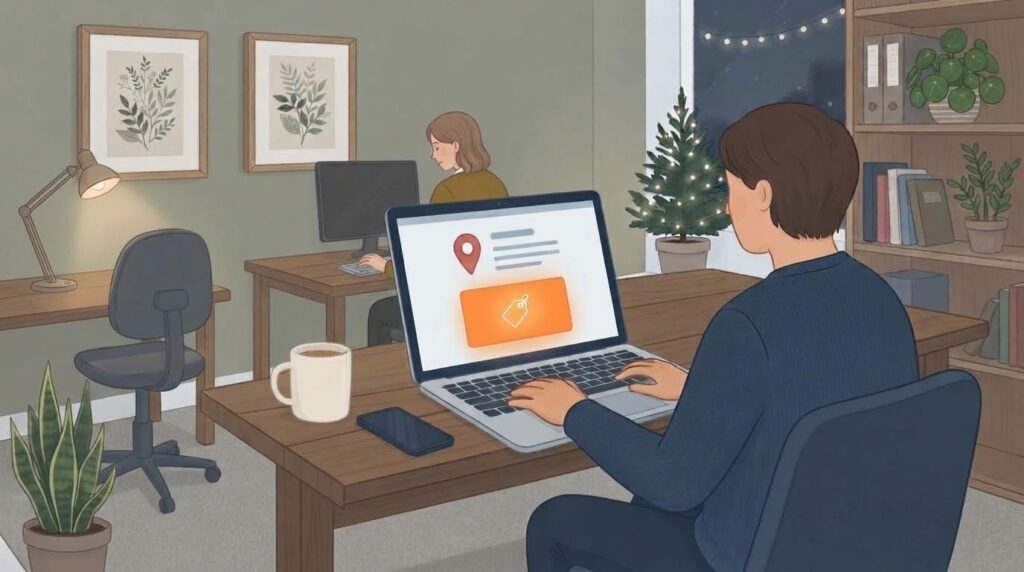
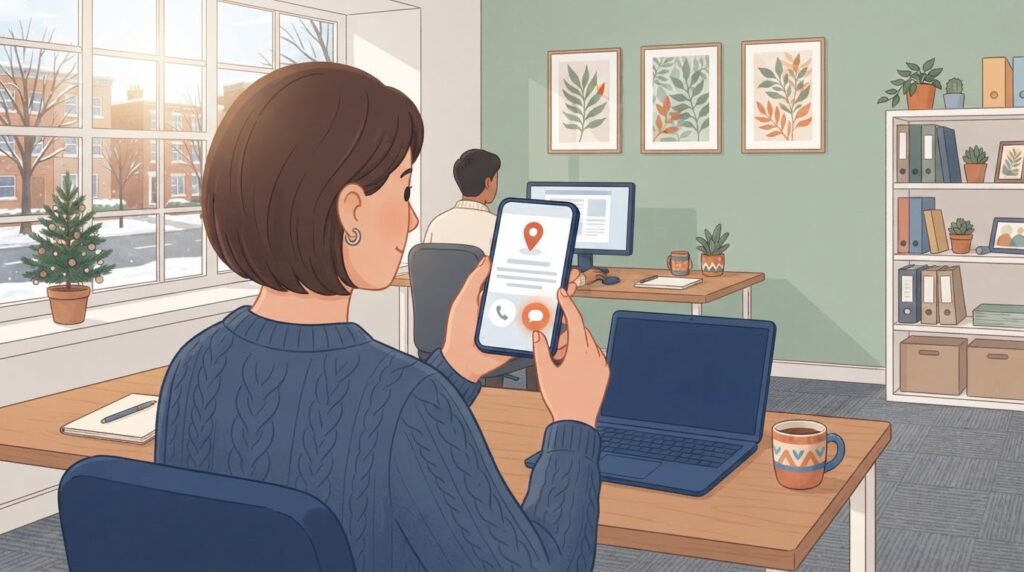
If you look up a local business on Google Maps this week, you might notice something new. Right next to the Call button, there’s now a button that says Message.
I spotted it on the profile of a business I’m helping, it’seeze Telford & Shrewsbury, the day after I switched messaging on for them.
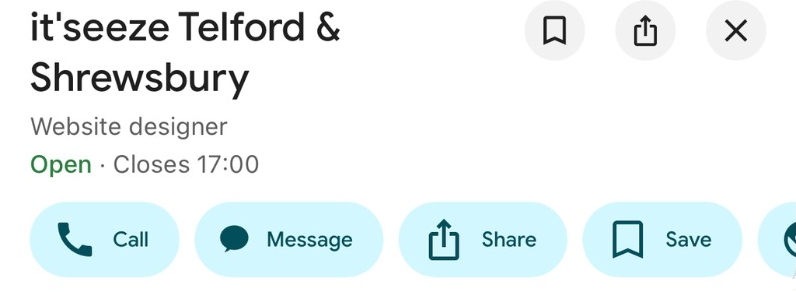
A Message button, right next to Call
Google announced it in its November Small Business Bulletin, posted by Google’s Lisa Landsman in the Business Profile Help Community. Search Engine Roundtable reports that the Message button now sits next to Call on Google Maps for both Android and iPhone, and that chats go to the messaging channel the business already uses, including WhatsApp and text.
The chat option itself isn’t brand new. Google started letting businesses add a text or WhatsApp number to their profile in the US in January 2025. What’s new is where it shows up. Google says that until now, finding chat on Maps meant scrolling deep down a profile.
On their listing, the contact details now show a “Text message” line alongside the website and phone number too.
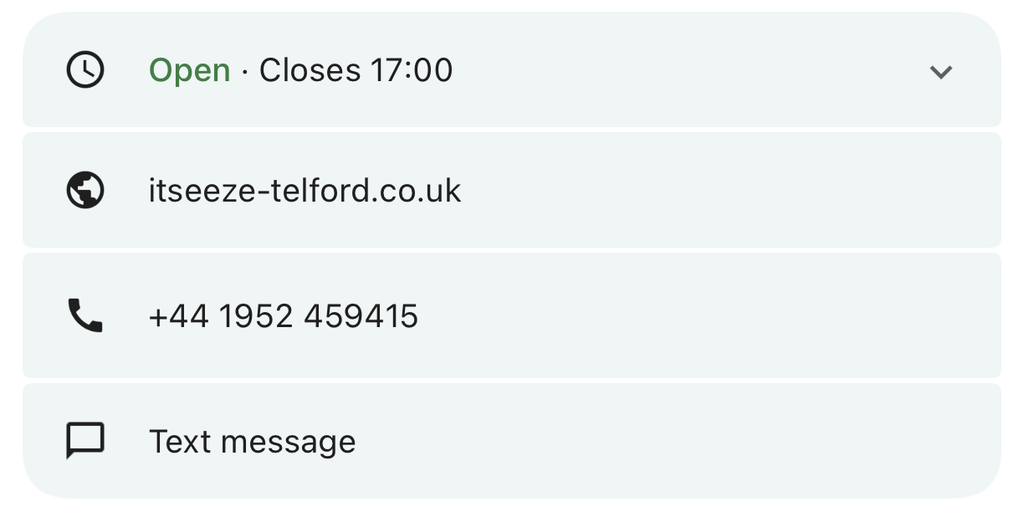
Google hasn’t said which countries have it. Its help page says chat is available in “select regions”. All I can tell you is that I’ve seen it working on a Shropshire business’s profile.
Not everyone wants to ring
Think about when people look for a local business in the run up to Christmas. Evenings, weekends, lunch breaks, the queue at the post office. Plenty of them won’t want to ring, and plenty of them will be searching when you’re closed or too busy to pick up.
A message gives them a way to get in touch without waiting. Lisa Landsman’s own point, as reported by Search Engine Roundtable, is that it helps businesses catch leads when they can’t respond straight away.
That’s the upside. The downside is obvious: a message nobody answers is worse than no button at all.
Someone has to answer it
Decide who’s answering. If messages go to WhatsApp or text, they go to a phone. Make sure it’s a phone someone checks, and not one sitting in a drawer at the shop.
Have a holding reply ready. Something like “Thanks for your message, we’ll get back to you by the end of the day” buys you time and tells the customer they’ve been heard.
Set your hours properly. If you’re closing over Christmas, set your special hours so people know when to expect an answer. I covered how in my post on Christmas opening hours on Google.
Keep an eye on it after the holidays. Your profile already shows calls, website clicks and direction requests, and you can see that data in Google Analytics too. Compare January with December and you’ll know whether messaging is bringing in enquiries.
Setting it up takes two minutes
It takes a couple of minutes on a computer. You’ll need a mobile number for text messages, as a landline can’t receive them.
- Go to business.google.com and sign in.
- Select Edit profile.
- Open the Contact tab and scroll down to Contact information.
- Under Chat, select Add, then + Add chat.
- In the Primary chat box, choose WhatsApp or Text message.
- Pick the country flag, enter your mobile number and select Save. Google will show your edit as pending, and says it usually takes up to 10 minutes to be reviewed. Mine went through in under a minute.
- Check your listing on Google Maps from a phone that isn’t signed in as the manager, so you see what customers see.
Worth doing, if you’ll reply
I like this one. It’s free, it suits the way a lot of people prefer to get in touch now, and it gives you another way to catch an enquiry when you can’t pick up the phone. It only works if someone replies, though, and quickly. In my post on what happens after the click, I looked at a study where just one company in 114 replied to an enquiry within five minutes. A quick reply to a message could easily put you ahead of the competition.
If you’d like a hand setting up messaging, or getting your profile ready for Christmas, my Google Business Profile management starts at £79 a month, and I’ll do a free audit first.
Will Beavis runs Sharpstones Media, an independent PPC agency in Shrewsbury. Wondering if your Google Ads are wasting money? Take the free 60-second audit.